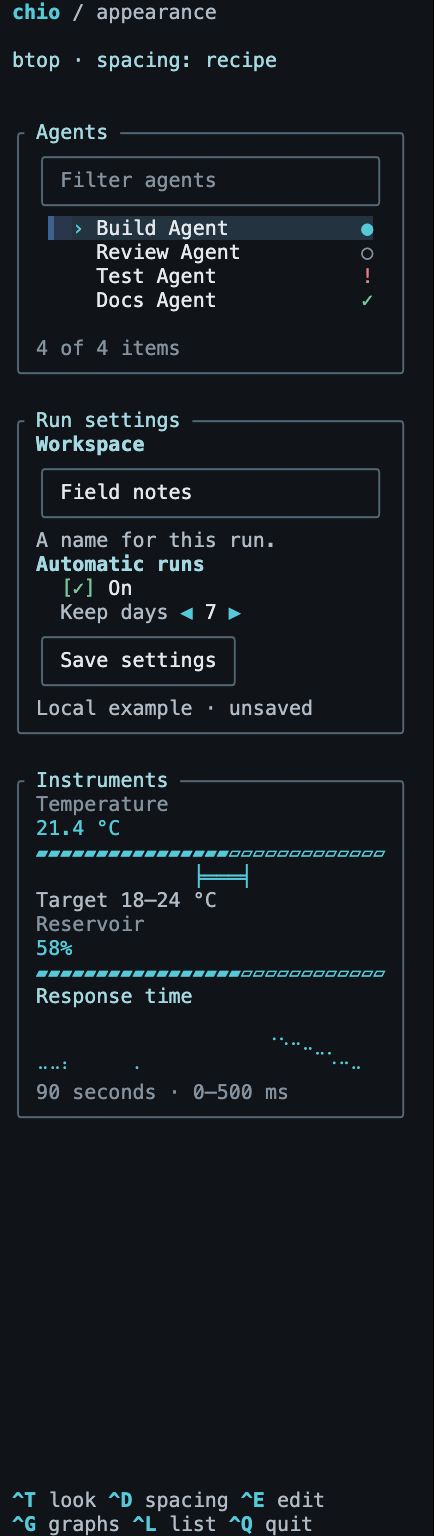
Inherited Chio styles
Same interface.
Different character.
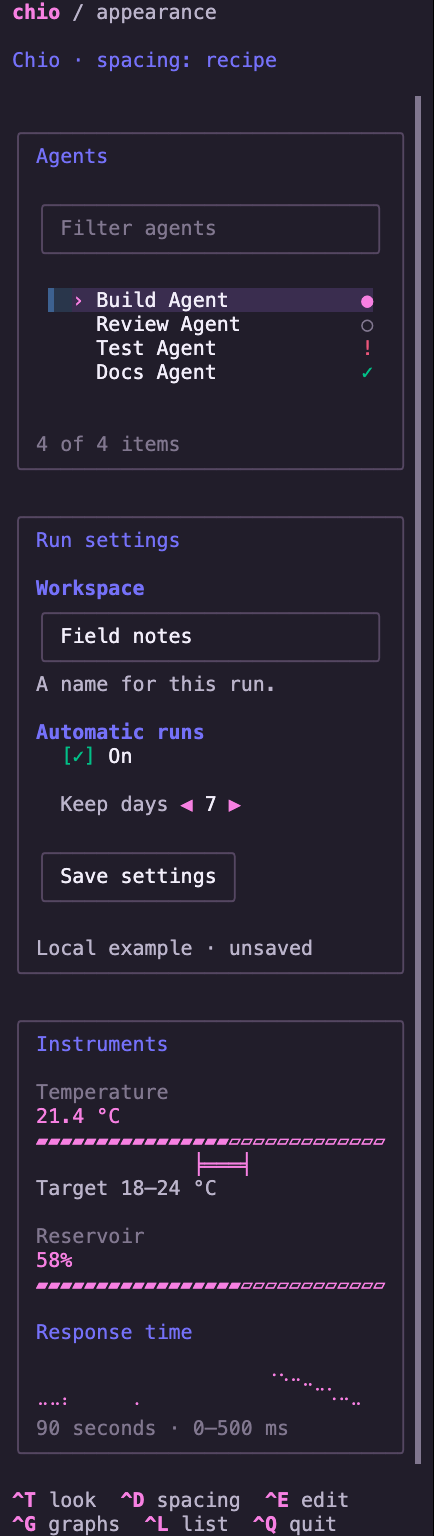
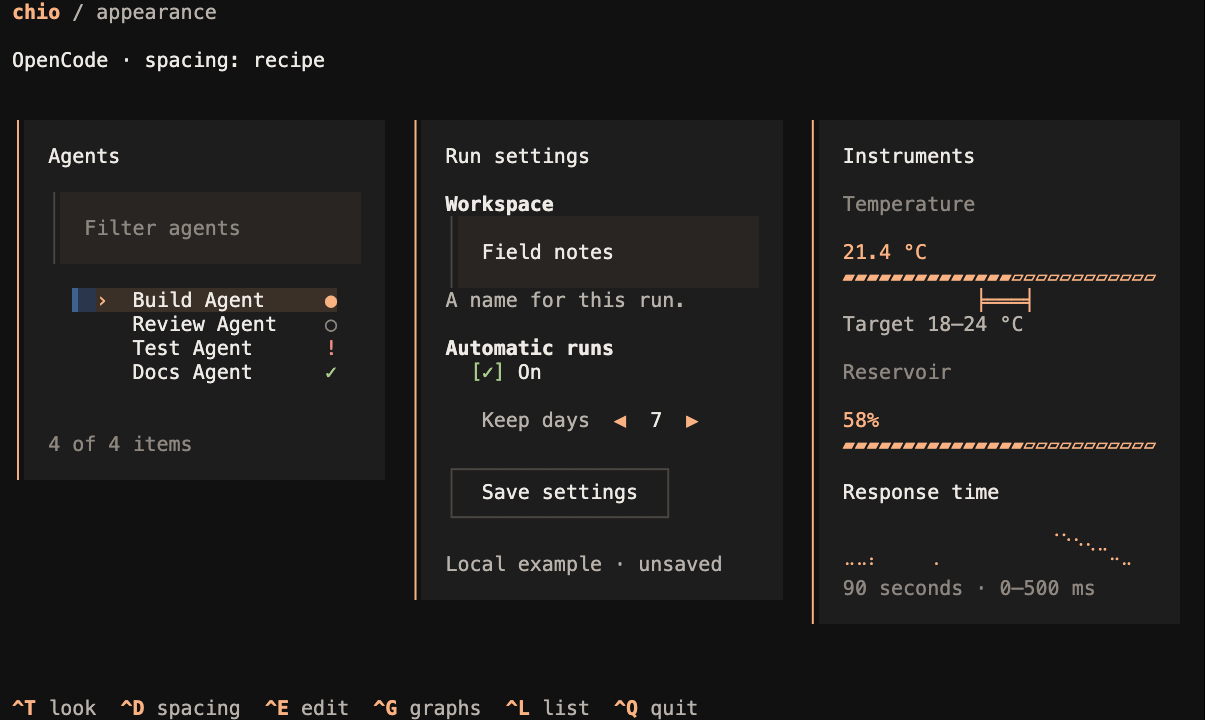
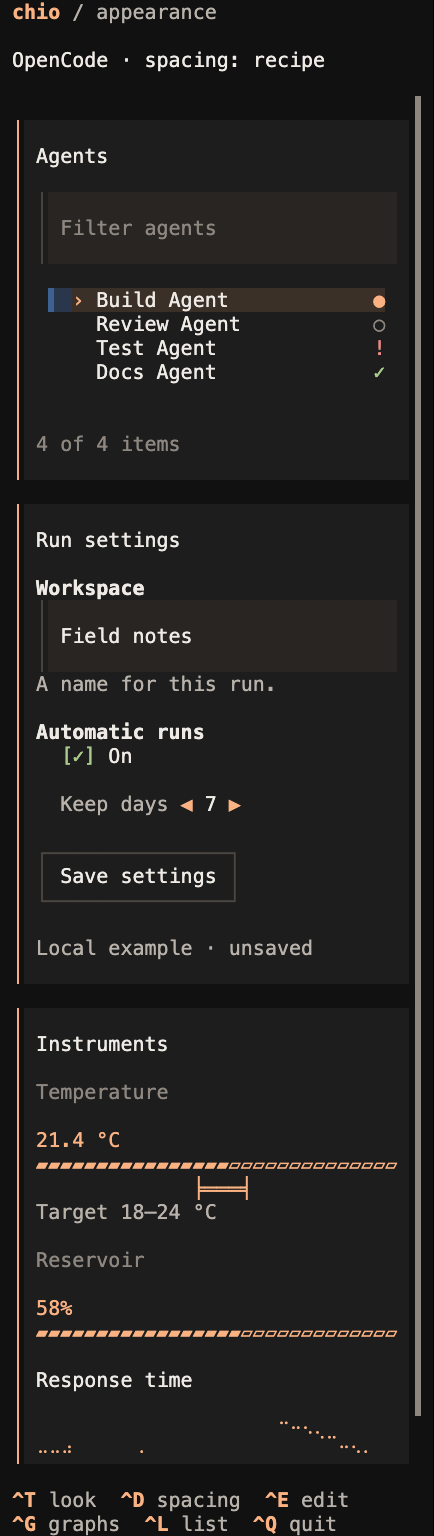
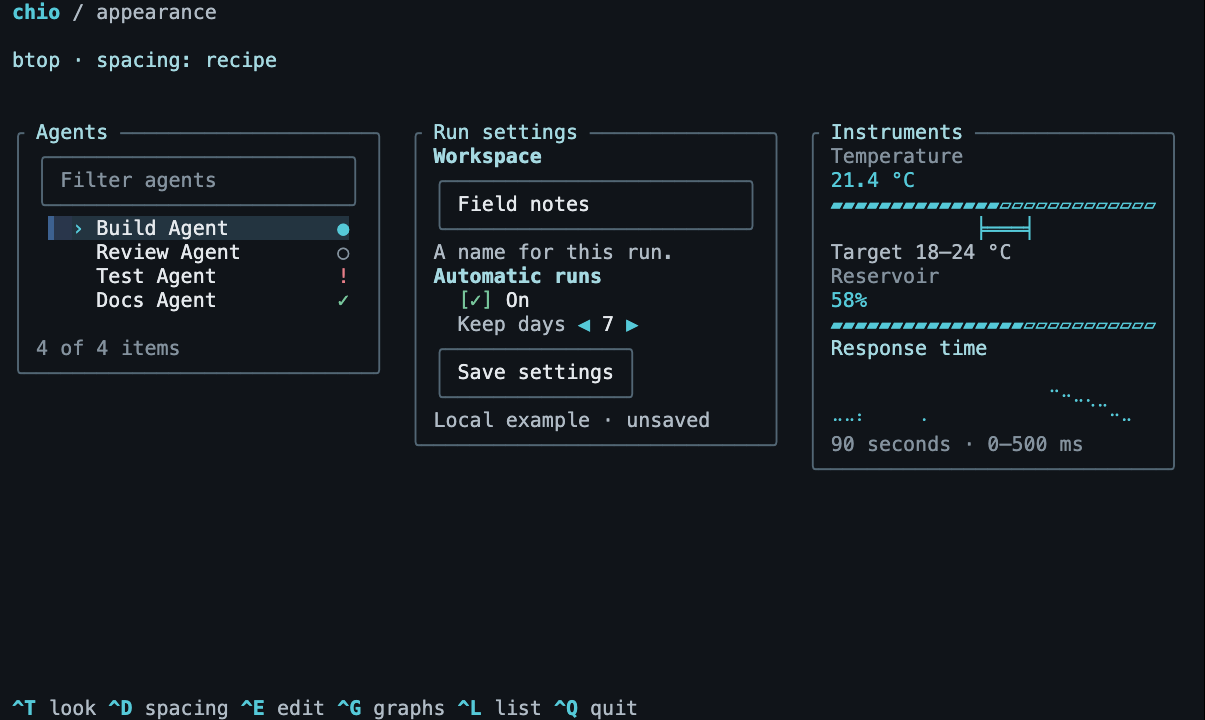
One local list, form and set of instruments, dressed three ways. Compare color, spacing and framing while the content and controls stay the same.
Apply .style(.default), .style(.opencode) or .style(.btop) to any view and its descendants. Customize colors, spacing, treatments and surfaces with immutable replacements.
Descendants inherit the complete style; a nearer .style(...) overrides it. Native component modifiers remain specific overrides. Applications own breakpoints, column widths, navigation and data. The main catalog currently offers default, light and btop captures; this page compares default, opencode and btop.
Compare terminal styles
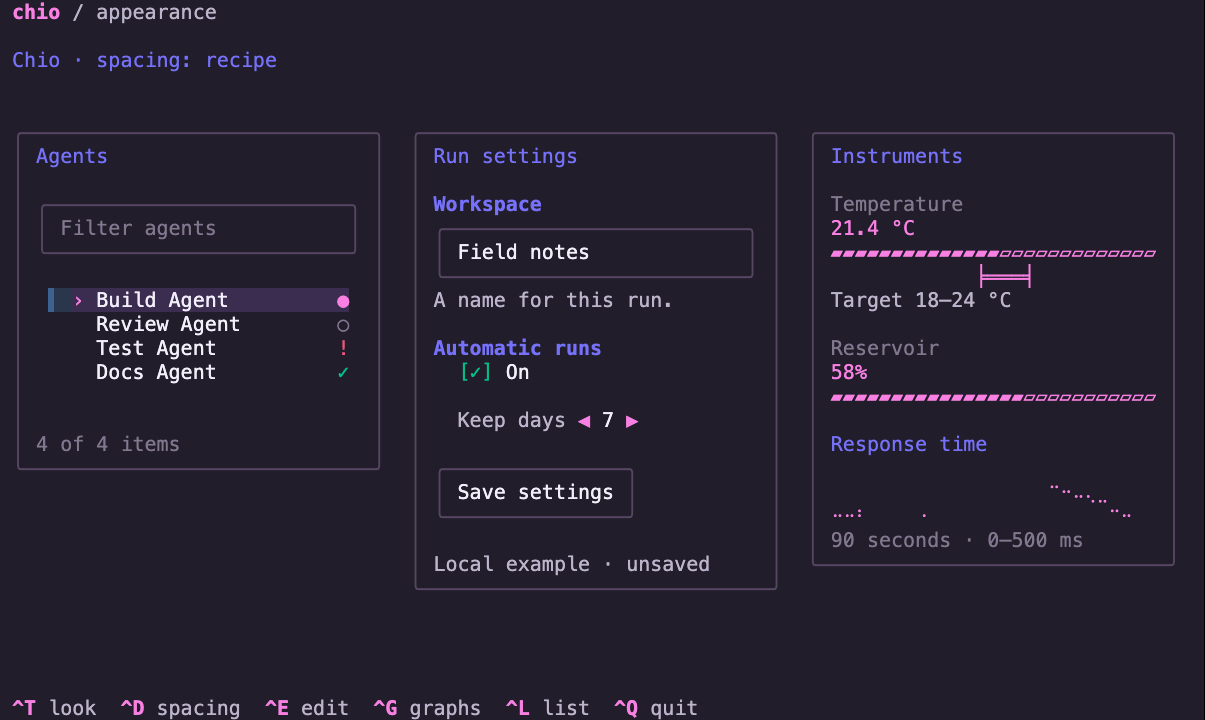
Preview unavailable. Use the recording link below or run the example locally.
ChioStyle.default: the default palette and familiar group framing.
Try the same view
swift run -c release chio-dashboard --appearance --treatment chio --density recipeUse a 100 × 30 terminal for the matching wide capture. Terminal size is chosen in your terminal, not by a command flag.
Ctrl+T treatment · Ctrl+D spacing · Ctrl+E edit · Ctrl+G graphs · Ctrl+L list · Ctrl+Q quit
Spacing is independent: use --density compact or --density roomy to override style spacing. Previews use --density recipe. The narrow capture is taller so the same content can be compared.
All six captures and launch commands
Each row links a still image and a real recorded session. Commands select the style; set the listed size in your terminal.
- Chio · wide 100 × 30 Image · Recording
swift run -c release chio-dashboard --appearance --treatment chio --density recipe - Chio · narrow 36 × 64 Image · Recording
swift run -c release chio-dashboard --appearance --treatment chio --density recipe - OpenCode-inspired · wide 100 × 30 Image · Recording
swift run -c release chio-dashboard --appearance --treatment opencode --density recipe - OpenCode-inspired · narrow 36 × 64 Image · Recording
swift run -c release chio-dashboard --appearance --treatment opencode --density recipe - btop-inspired · wide 100 × 30 Image · Recording
swift run -c release chio-dashboard --appearance --treatment btop --density recipe - btop-inspired · narrow 36 × 64 Image · Recording
swift run -c release chio-dashboard --appearance --treatment btop --density recipe